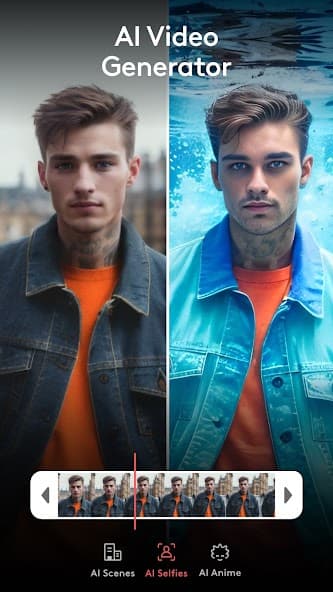
 AI Generator
 VideoleapAI Video EditorContactAI reels, templates, and effects
A creator feed that edits back.
Videoleap by Lightricks
Start with creator-made templates, AI scene ideas, effects, music, and social editing tools, then turn the result into reels, shorts, and stories that still feel directed by you.
AI Generator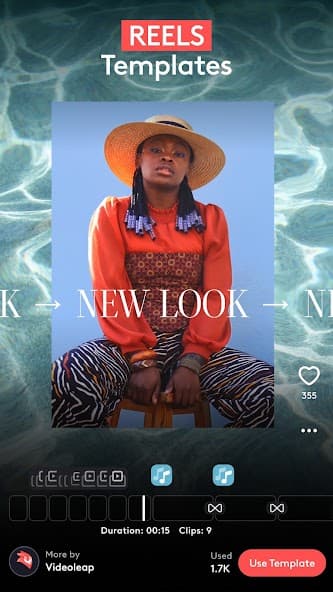 Reels Templates
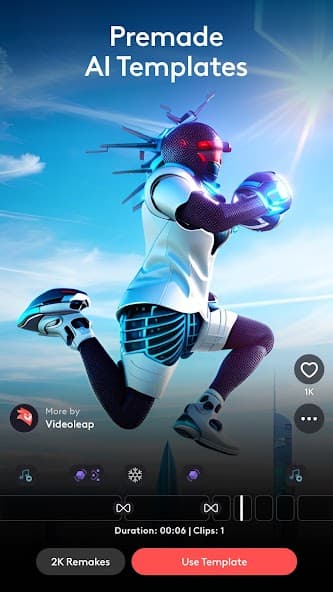 AI Templates
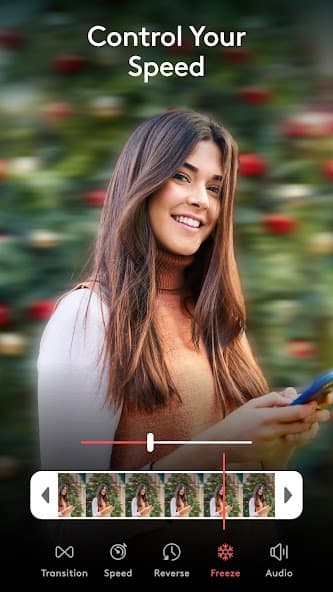 Editor Tools
Creator feed
Choose a spark, then direct the edit.
Gather template ideas, AI creative starts, real app tools, and editing details before shaping the final clip.
Start from a template
Use creator-made templates for reels, shorts, social clips, transitions, and quick remix formats.
Generate a visual idea
Explore AI video generator modes, AI scenes, selfies, anime looks, and style-driven concepts.
Edit the details
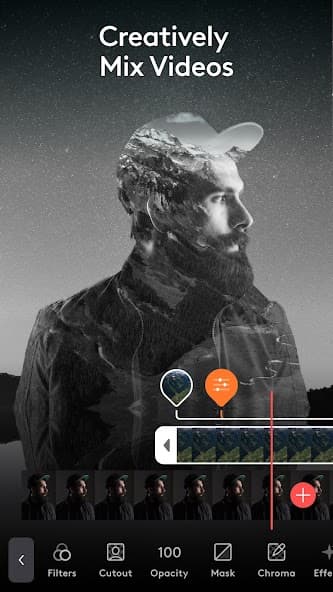
Adjust clips, music, text, effects, transitions, overlays, green screen, filters, and audio.
Share after review
Check rights, accuracy, safety, and platform fit before posting or using outputs commercially.
Template lab
A remix catalog, not a blank canvas.
Use templates as structure, then bring your own media and choices into the edit. The catalog helps creators move quickly without hiding review steps.
01
ReelsShortsStoriesMemes
02
AI ScenesAI SelfiesAI AnimeGreen Screen
03
TransitionsMusicEffectsText
Review note
Templates and AI edits still need human review.
Confirm rights, likeness permissions, audio use, caption accuracy, claims, safety, and platform fit before posting generated or remixed video.
AI tools
Fast starts, precise finishing tools.
Videoleap gives quick AI starts and template structures while keeping editing choices visible and adjustable.
AI Video Generator
Move from an idea, selfie, or image prompt into a shareable video draft.
Premade AI Templates
Remix ready-made template structures created for short-form social publishing.
Effects and filters
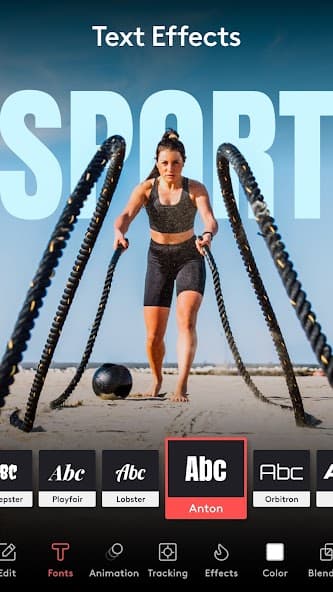
Layer transitions, music, audio effects, visual treatments, and motion styling.
Social-ready editor
Create reels, shorts, stories, creator clips, ads, and casual videos in a mobile workflow.
Support desk
Clear help paths for app users.
Support email
For account, editing, template, export, purchase, or bug questions, contact videoleap.android.support@lightricks.com.
Email supportRefunds
Apple App Store and Google Play purchases are reviewed through the marketplace where the purchase was made.
Refund policyAccount deletion
Where accounts are available, deletion can be started from the app's account, profile, or settings area.
Privacy detailsStart creating